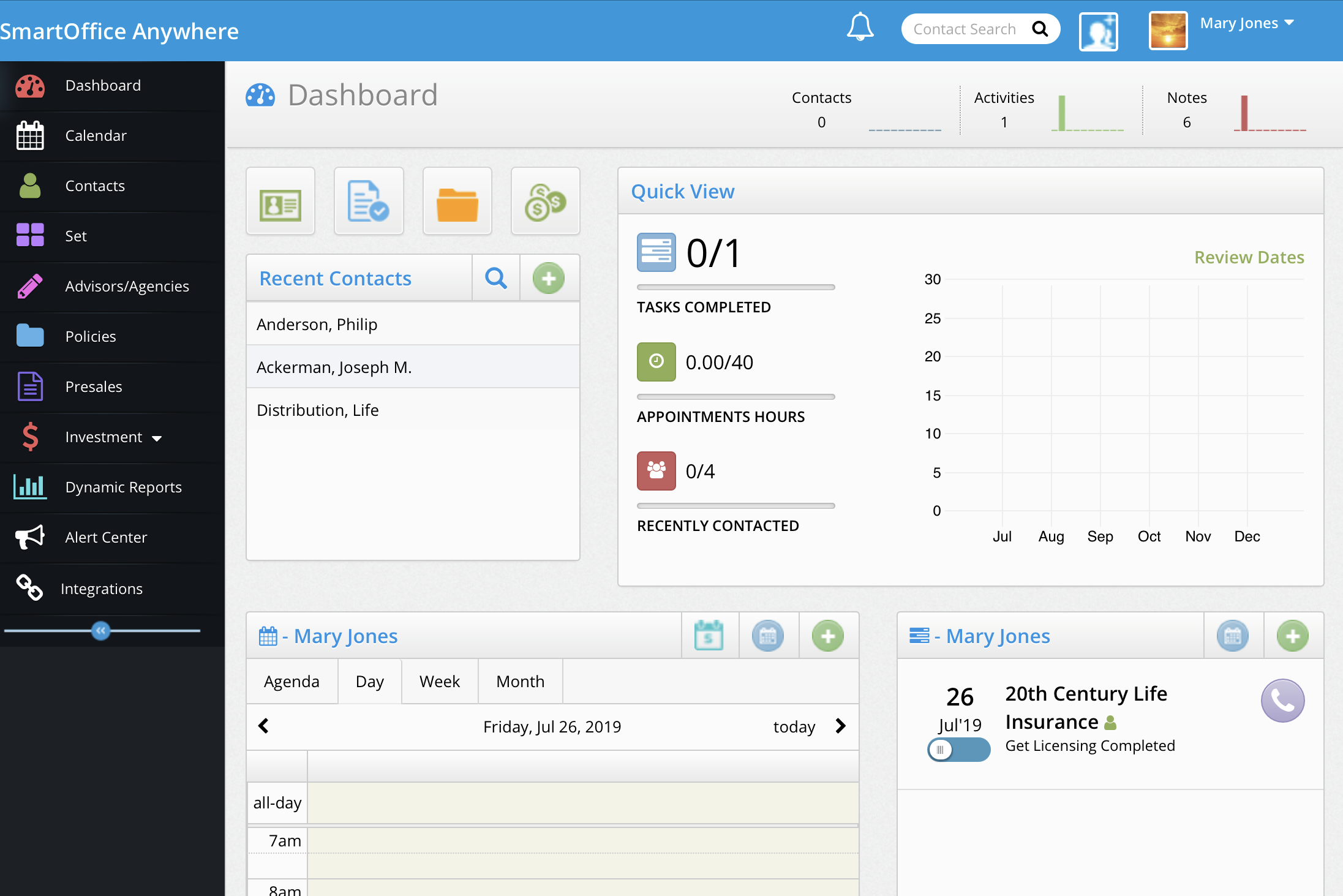
SmartOffice Self Service Demo

SmartOffice Self Service Demo

SmartOffice Self-Service Demo

smartoffice anywhere

INSTRUCTIONS

  • Request a SmartOffice Login – Fill in name and email address on the form on the right and click SUBMIT.

  • You will receive an email with your personal login and a link back to this page.

  • Click the YELLOW Login Button at the Top. Login and explore your Personal SmartOffice Demo!

Recommendations:

– Use a Laptop or Tablet not a Smart Phone because of screen size

– Bookmark this Page in your browser for quick access to the SmartOffice Demo

– Optional download for your Tablet SmartOffice Anywhere – Apple App Store or Google Play

PNG image 1

SmartOffice Anywhere Basics

Contact Us
For More Information Or Support

    WordPress Factory Devita – Multipurpose Theme for WooCommerce DevKit – Flutter UI Kit Devon – Model Agency Directory WordPress Theme Dewok – Digital Agency Template Kit Dexfly Drone & Aerial Photography Elementor Template Kit Dexfolio – Creative Portfolio & Agency WordPress Theme Dexico – Apartment Rent Elementor Template Kit Dexnie – Personal Portfolio Elementor Template Kit Deyliv – Food Delivery App Elementor Template Kit Dezert EasyCart & WooCommerce Shopping Theme