ExpressComplete Self-Service Demo


Request
ExpressComplete Login

ExpressComplete Simplifies the eApp Process
- Easily Configurable to your Application Questions and Workflow
- Optimized for a Tablet or Laptop
- Single Sign On Capability
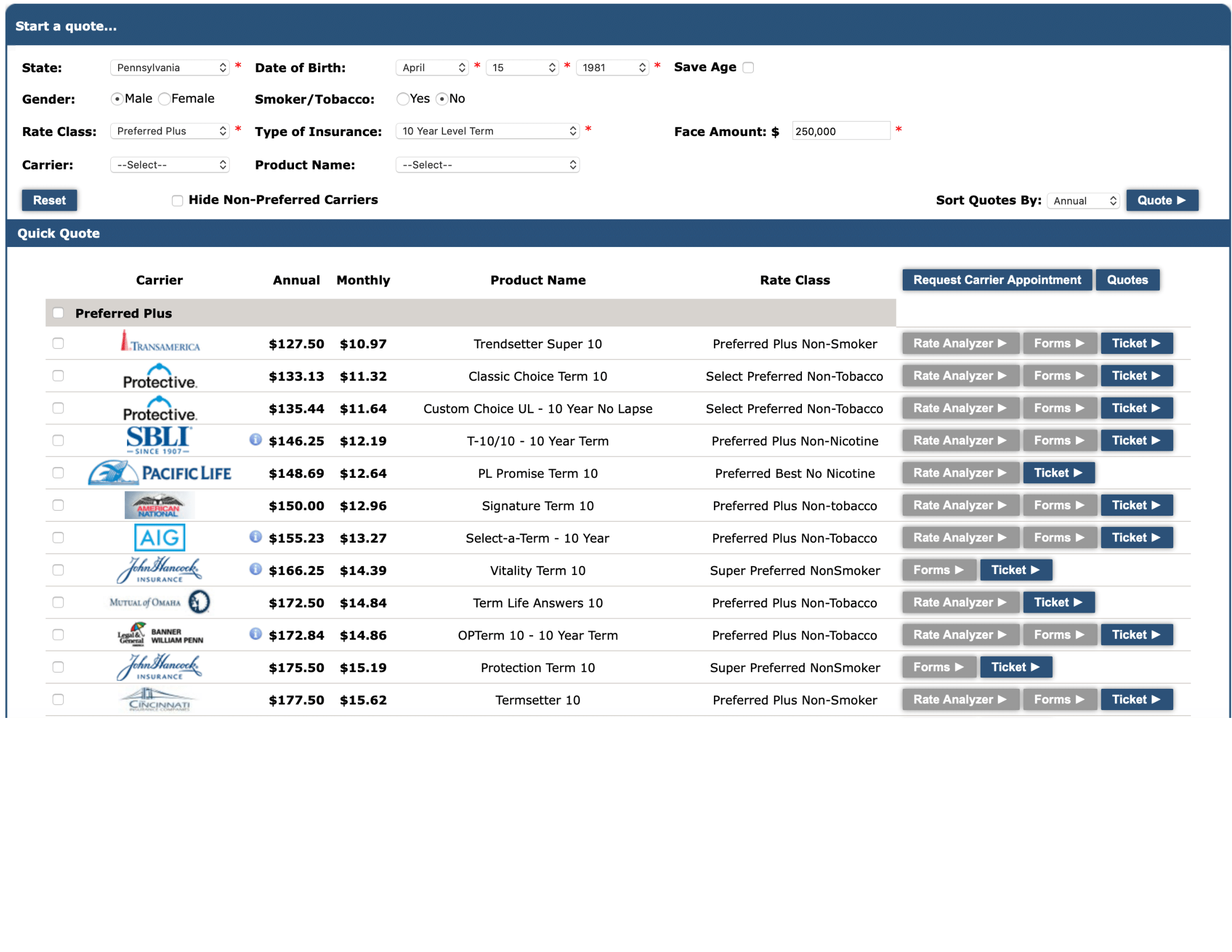
- Multi-Carrier Quoting
- Health Rate Analyzer to Confirm Underwriting Rate Class
- Passes Order to Carrier Call Center or to CallComplete
- Integrated with Exam Company’s Real Time Scheduling Portal
- Automatic Notifications
- Track Pending Status
INSTRUCTIONS
- Request an ExpressComplete Login – Fill in name and email address on the form on the right and click SUBMIT.
- You will receive an email with your personal login and a link back to this page.
- Click the GREEN Login Button at the Top. Login and run a multi-carrier quote and complete apply for Life Insurance using the ExpressComplete Demo!
Recommendations:
– Use a Laptop or Tablet not a Smart Phone because of screen size
– Bookmark this Page in your browser for quick access to the ExpressComplete Demo